← All extensionsDownload the extension for ChromeDownload the extension for Firefox 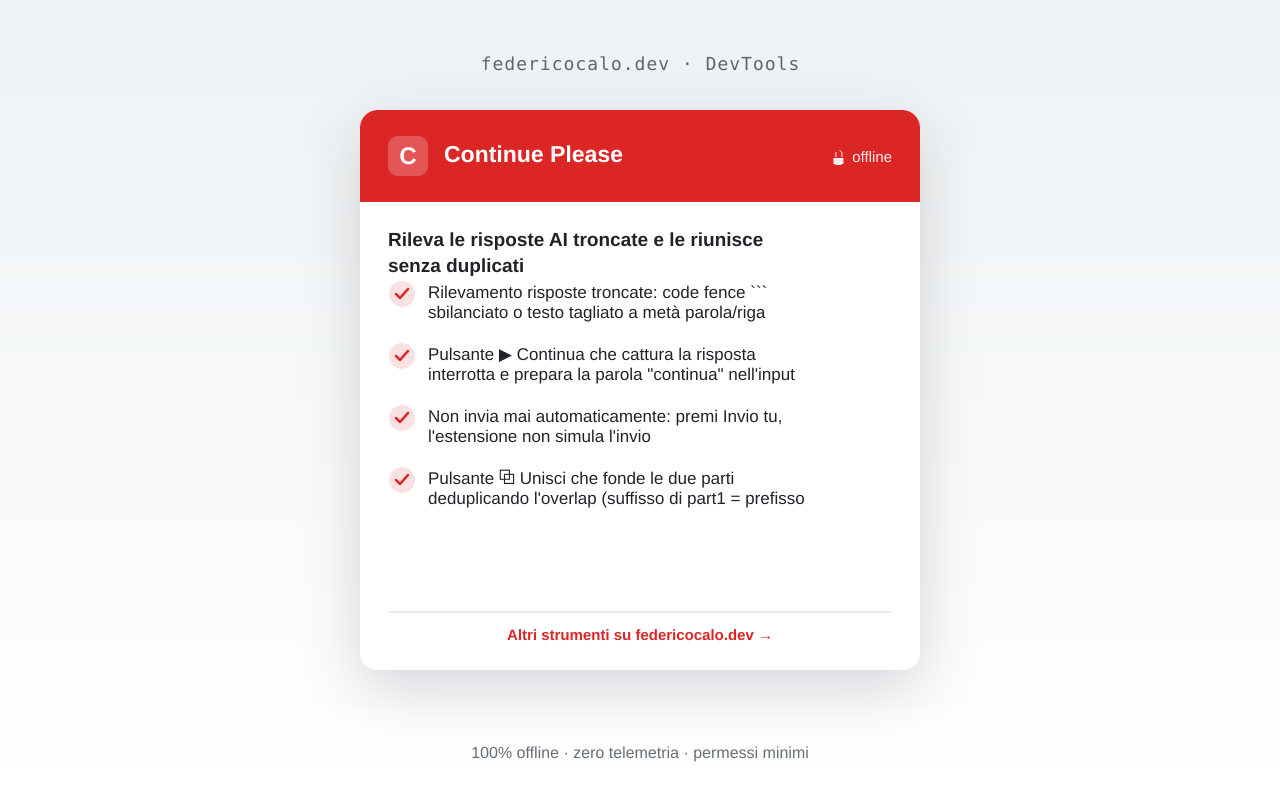
Continue Please
Detect truncated AI replies and stitch them back without duplicates
chromeedgebraveoperafirefox🔒 Zero telemetryVersion 1.0.0
Description
When an AI assistant cuts a reply mid-way — an unclosed code fence or a broken sentence — Continue Please detects it and shows a ▶ Continue button next to the chat. It captures the truncated part, prepares the follow-up prompt (it never sends on your behalf) and, once the new reply arrives, ⧉ Merge stitches both halves together, removing the duplicated overlap and copying the result to your clipboard. Works on ChatGPT, Claude and Gemini. 100% offline, zero telemetry: no data ever leaves the browser.
Features
- Truncated-reply detection: unbalanced ``` code fence or text cut mid-word/mid-line
- ▶ Continue button that captures the interrupted reply and pre-fills a "continue" prompt
- Never auto-sends: you press Enter, the extension never simulates submission
- ⧉ Merge button that stitches both halves, deduplicating the overlap (suffix of part1 = prefix of part2)
- Merged result copied to the clipboard automatically
- Manual merge tool in the popup to paste and stitch two parts
- Works on ChatGPT, Claude and Gemini; degrades silently if a site's markup changes
- 100% offline, no telemetry, no external dependencies
Privacy
100% local processing in your browser. Zero telemetry: no data is sent to external servers.
Required permissions
Screenshots
Supported browsers
chromeedgebraveoperafirefox