← All extensionsDownload the extension for ChromeDownload the extension for Firefox 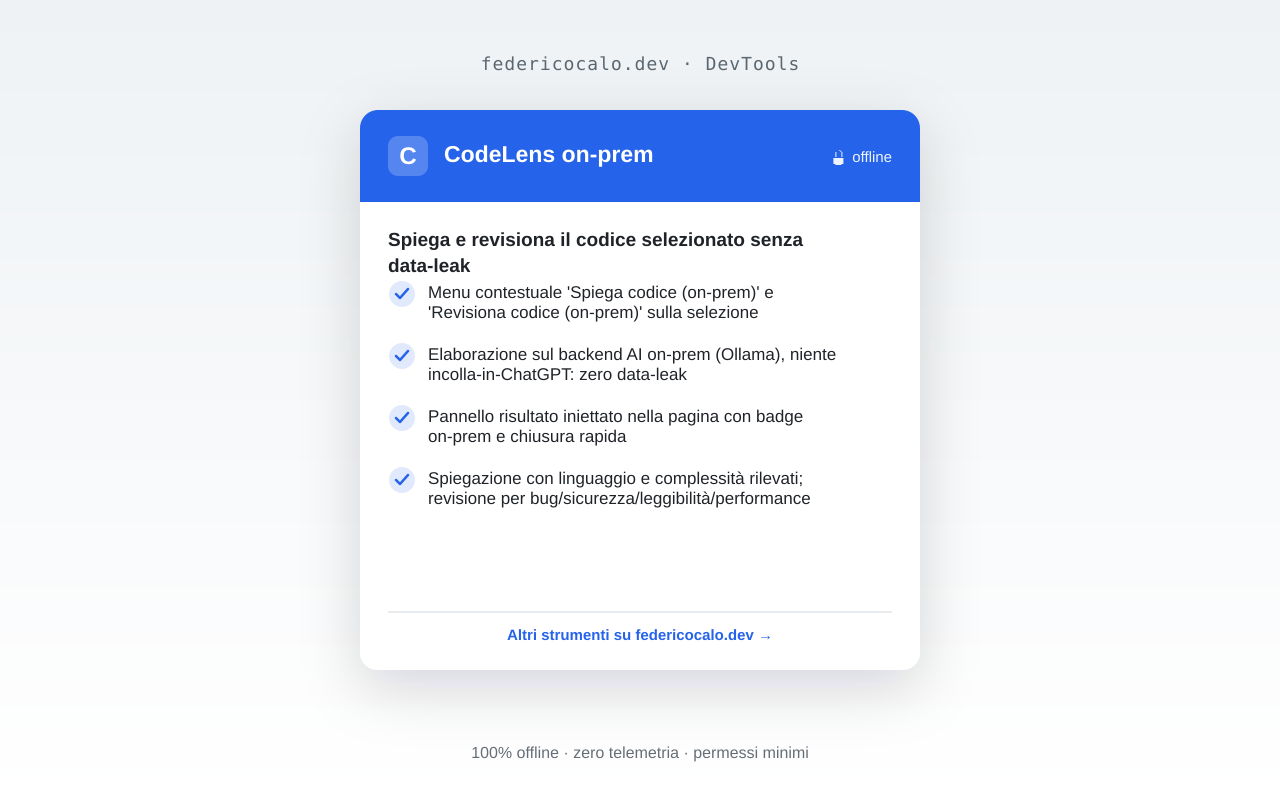
Code Explainer & Reviewer
Explain and review selected code right in the page
chromeedgebraveoperafirefox🔒 Zero telemetryVersion 1.0.0
Description
Select a snippet on any page, right-click and pick 'Explain code' or 'Review code'. The snippet (up to 12,000 characters) leaves the browser: it goes to the federicocalo.dev backend, which forwards it to the AI provider currently in use (OpenRouter, free tier). The provider is asked not to use prompts for training; data can be processed outside the European Union: do not select code containing secrets, keys or personal data. The result appears in a panel injected into the page; the extension stores nothing in the browser. No telemetry.
Features
- Context menu 'Explain code' and 'Review code' on the selection
- The snippet (max 12,000 characters) goes to the federicocalo.dev backend and to the AI provider (OpenRouter, free tier)
- Result panel injected into the page with a "Remote AI" badge and quick close
- Explanation with detected language and complexity; review for bugs/security/readability/performance
- Graceful degradation on offline, rate-limit, service unavailable or system pages
- No telemetry and no snippet stored in the browser; the snippet leaves the browser for the backend and the AI provider
Privacy
100% local processing in your browser. Zero telemetry: no data is sent to external servers.
Required permissions
Screenshots
Supported browsers
chromeedgebraveoperafirefox